MINED Dynamic Presentation
Optimizing real-time content deployment via advanced Figma prototyping
0 h
Development Code
100% cloud-based Figma engine
0 MB
Storage Needed
Replaced 100-200MB PDFs
Seconds
Global Sync Time
Instant updates worldwide
98%
Sales Team Adoption
Achieved in week 1
Duration
3 months
Role
End-to-End UX/UI Designer
Team
Marketing Team, Visual Design Team, UX/UI Designer (Me)
Overview
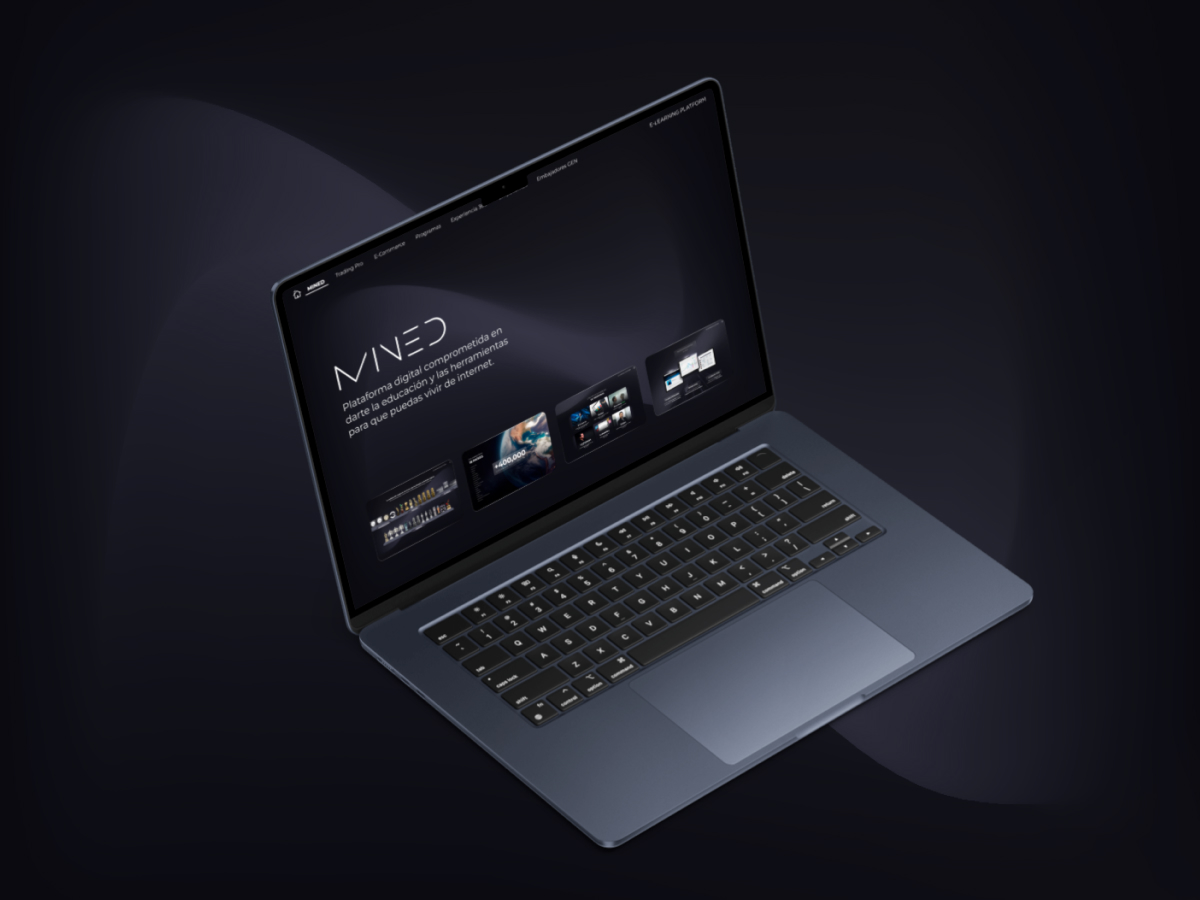
MINED required a centralized visual tool for its global MLM ambassadors to present company services and products in a uniform, dynamic, and professional manner. I proposed a disruptive No-Code strategy using Figma's prototyping engine as the end-user viewing environment, connecting direct canvas edits to a single, live web presentation link.
The Challenge
The service catalog, prices, and commercial data change constantly, requiring a system that allows instant updates globally with zero publication friction. Furthermore, the engineering team had saturated bandwidth. A solution with zero development code was required, while keeping a premium interactive standard.
The Solution
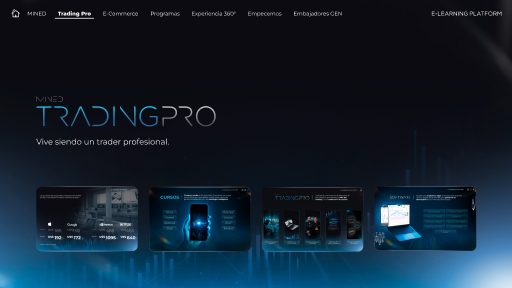
We treated the experience as a high-fidelity desktop interactive slide prototype. By utilizing Figma's presentation mode as the permanent production environment via a single link, we achieved instant, invisible global updates and zero coding cost, completely skipping the traditional programming phase due to the pilot's success.
The Core Problem
Sales ambassadors depended on extremely heavy static PDF files (100MB to 200MB) shared through chat groups, saturating storage on mobile devices and laptops. Additionally, promotions expired within weeks, resulting in sales teams presenting outdated, conflicting data to clients.
User Research
Diving deep into customer operational pain points and organizational bottlenecks.
Research Methods
- •Sales Operational Audit
- •Field Diagnostics Interviews
- •Cross-Departmental Co-Creation Workshops
Participants & Scope
80+ MLM ambassadors across 6 countries, Marketing & Visual Design leads
Key Findings
Heavy PDF presentation files filled up device storage space, frustrating users.
Ambassadors constantly shared obsolete information due to the friction of file distribution.
The development team had zero sprints available to write interactive web code from scratch.
Desktop screencast (via Zoom) or large venue screens were the primary modes of presentation, making mobile optimization secondary.
User Quotes
"I sometimes have to delete family photos just to download the latest sales presentation PDF on my phone."
— Global Sales Ambassador
"I lost a sale last month because I showed outdated pricing to the customer. I had no idea the PDF on my chat was deprecated."
— MLM Sales Ambassador
Innovative Architecture: Figma as Production
How we achieved zero-code updates and instant deployment globally using the design file engine.
Single Cloud Link
Ambassadors open a permanent presentation link. No app store waiting or heavy file downloads.
Instant Updates
Modifying texts or prices directly on the Figma canvas propagates changes worldwide instantly.
Web App Aesthetics
Advanced Smart Animate interactions make slides navigate and look like a bespoke web application.
Interaction Mechanics
Interactive menus using Figma prototypes and variables.
Smart Animate transitions to simulate native web applications.
Cloud deployment: single Presentation link for global access.
Collaborative co-creation with marketing and branding leads.
Design & Implementation Process
A lean, designer-led process focused on solving operational blockages with zero development dependency.
Research & Diagnosis
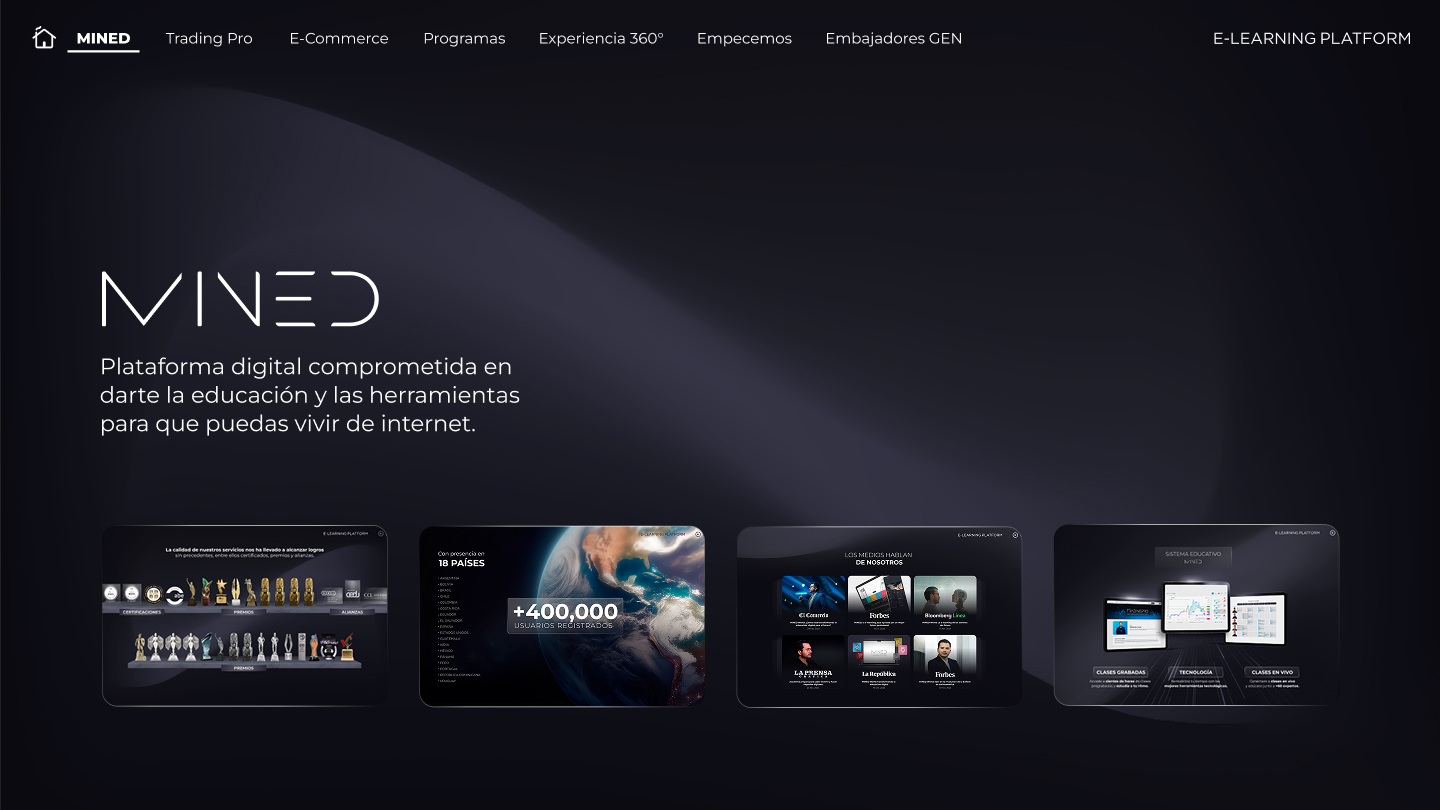
Discovered that live presentations were 100% on large projector screens or Zoom desktop. Pinpointed PDF sizes and rapid obsolescence as the core workflow blockages.
Information Architecture & Flow Mapping
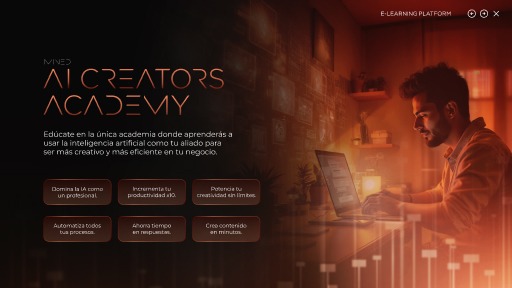
Structured the interactive sales narrative into interconnected layouts, mapping the presenter's cognitive flow during live speeches.
Advanced Figma Prototyping
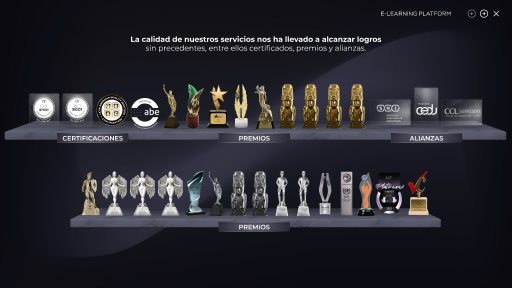
Designed the premium visual language and wired interactive routes using variables and Smart Animate to mimic a native web experience.
Pilot Test & Deployment Decision
Rolled out an MVP prototype link to ambassadors. Success was instant with zero lag reports. Stakeholders cancelled the coding phase, establishing the Figma prototype as the permanent production tool.
Key Design Decisions
Strategic choices to achieve zero-cost engineering while preserving premium branding.
100% Cloud-Based No-Code Architecture
Serving the presentation via a single Figma URL saved months of coding work and guaranteed a zero-dollar engineering cost.
Exclusive Desktop Focus
Confirming zero mobile use permitted us to skip responsive layouts, centering 100% of bandwidth on screen-filling desktop presentation states.
Smart Animate & Variables
Integrating advanced motion paths and variables transformed static slides into a premium web app experience for the client.
Usability Testing & Adoption
We tested the prototype's performance and sales flow with active ambassadors in real video calls to evaluate speed and client engagement.
24 live-supervised sales sessions
Sales team adoption reached 98% within the first week of deployment.
Data update cycle time reduced from days (redesigning PDFs) to literal seconds.
Client confusion reports regarding incorrect rates dropped to zero.
Ambassadors reported a substantial increase in confidence and sales fluidity on Zoom.
Impact & Business Metrics
| Area of Impact | Before (Baseline) | After (UX Solution) | Organization Benefit |
|---|---|---|---|
| Development Time | Months of sprint coding | 0 hours of code | Engineers freed for core platforms |
| Storage & Weight | 100MB to 200MB PDF downloads | 0 MB downloaded (Cloud access) | Instant compatibility, zero storage strain |
| Content Lifespan | Outdated PDFs in circulation | Real-time updates (seconds) | Total marketing & UX autonomy |
| Brand Consistency | Informal outdated file sharing | 100% centralized brand control | Reputational risk eliminated |
Learnings & Takeaways
UX is about solving real operational constraints creatively, not just handing off wireframes to developers.
Advanced prototypes can act as permanent production delivery systems under specific operational circumstances.
Presenter-centric visual design lightens cognitive strain, letting the team focus on closing sales.
Next Steps & AI Evolution
UX/UI team training in AI coding assistants and visual frameworks.
Autonomous designer-led migration to a native web app powered by AI generators.
Embed interaction analytics triggers inside Figma to measure slides holding client attention.